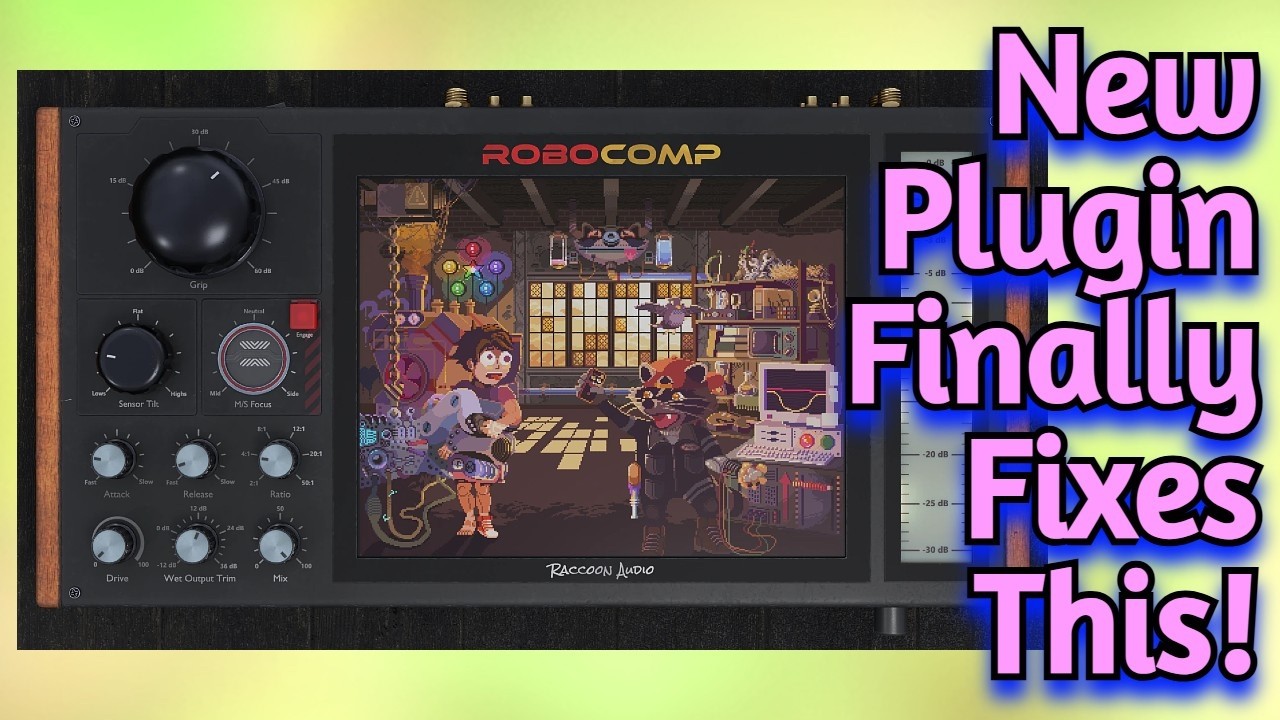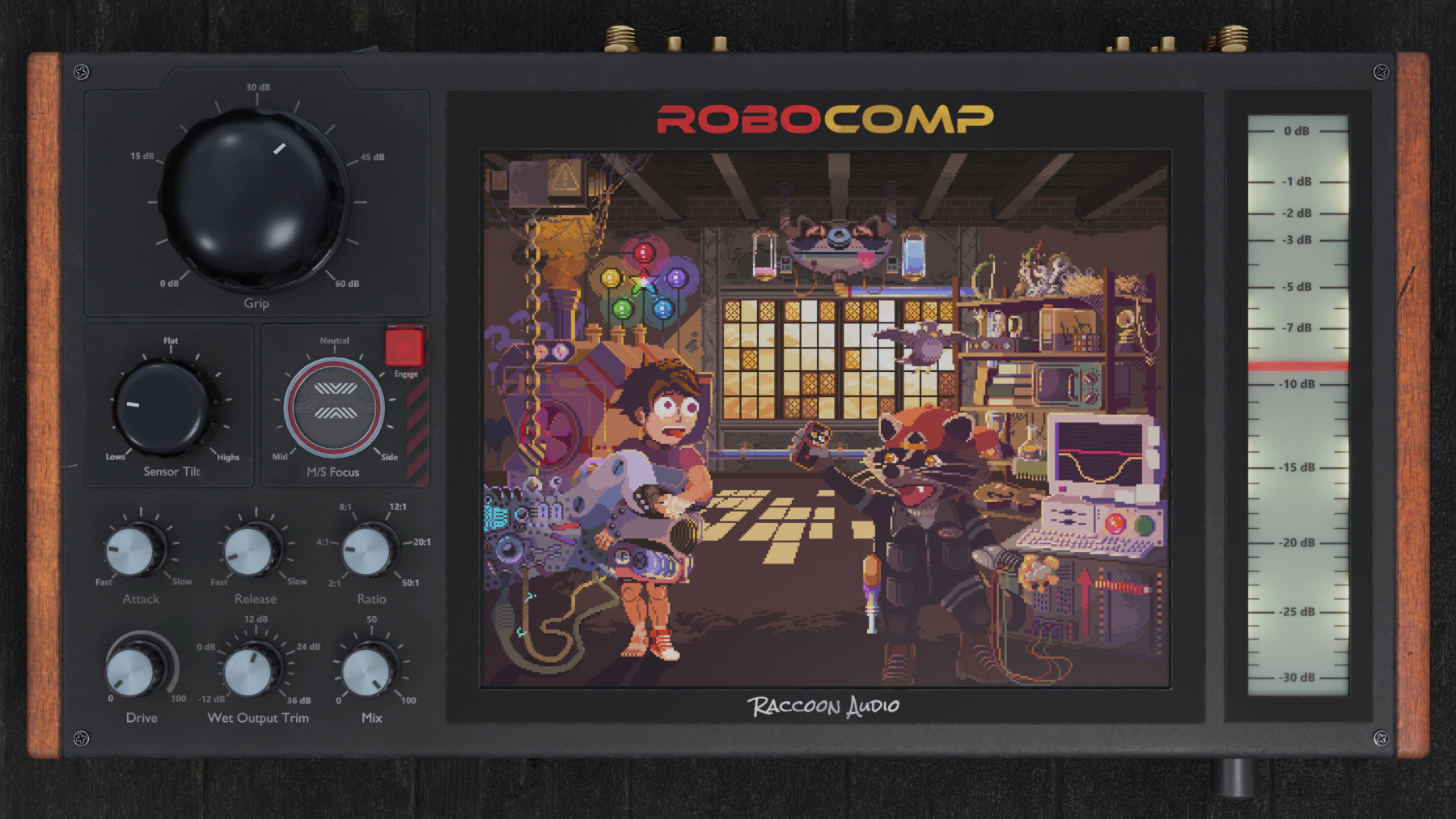
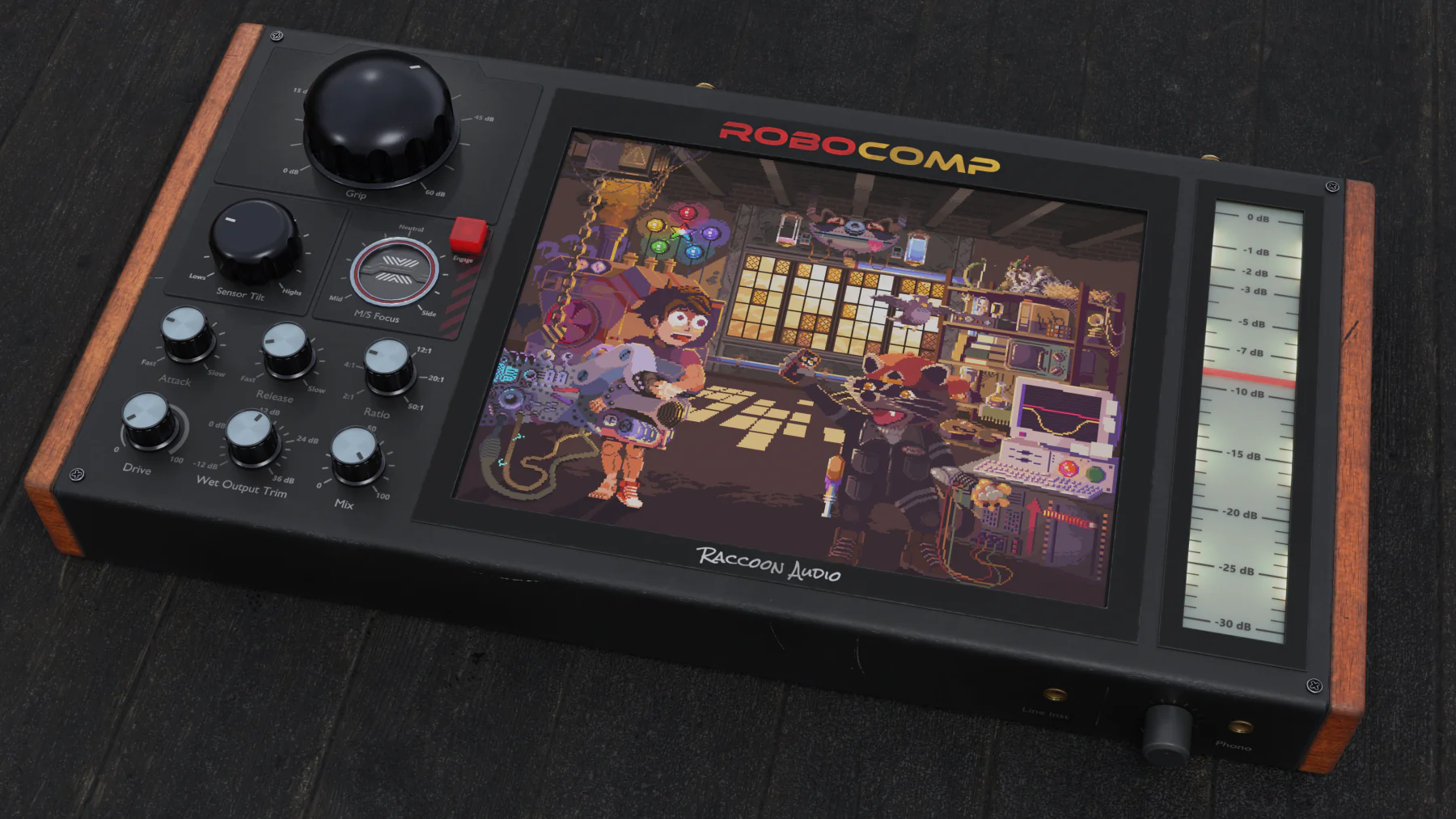
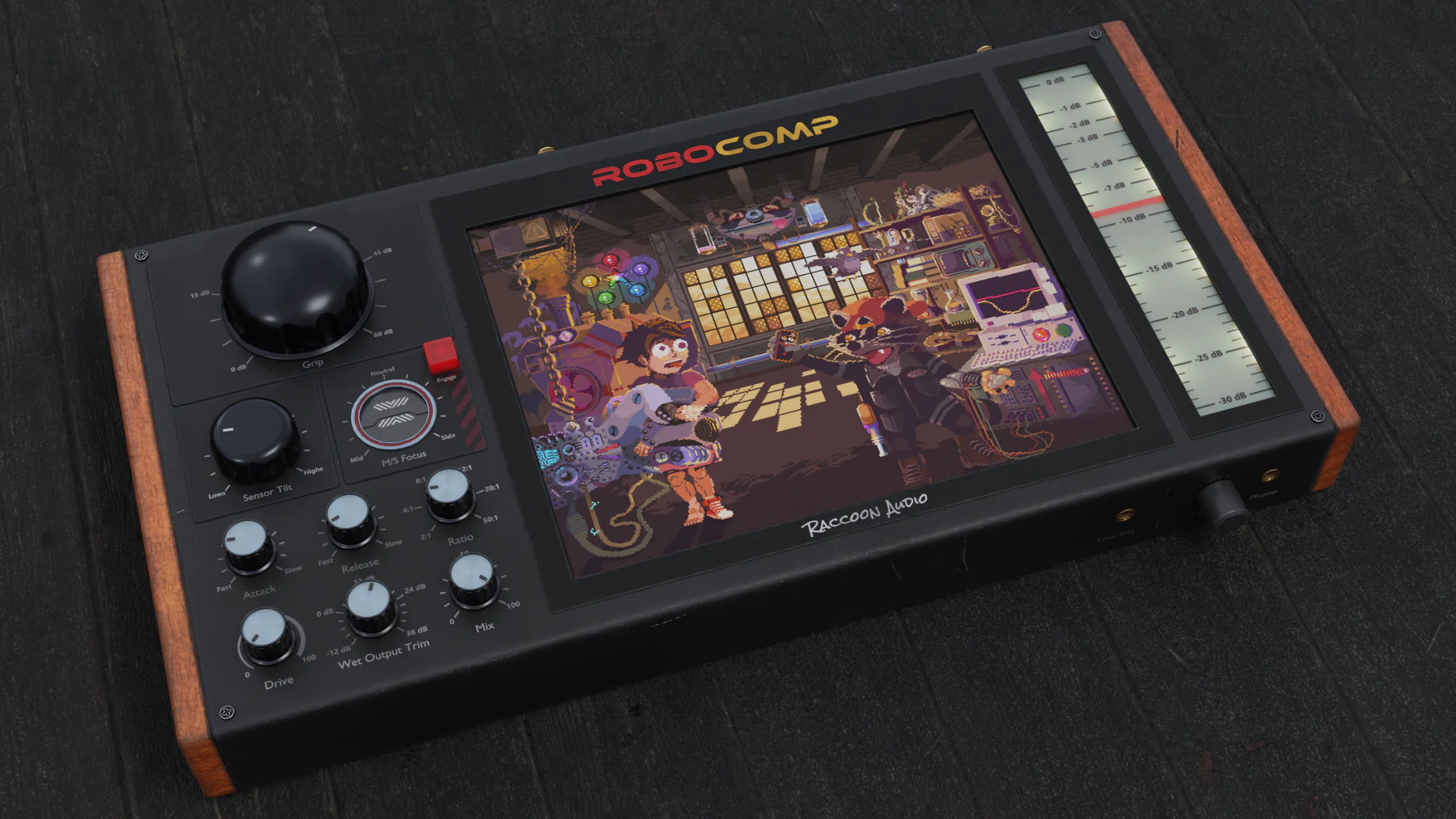
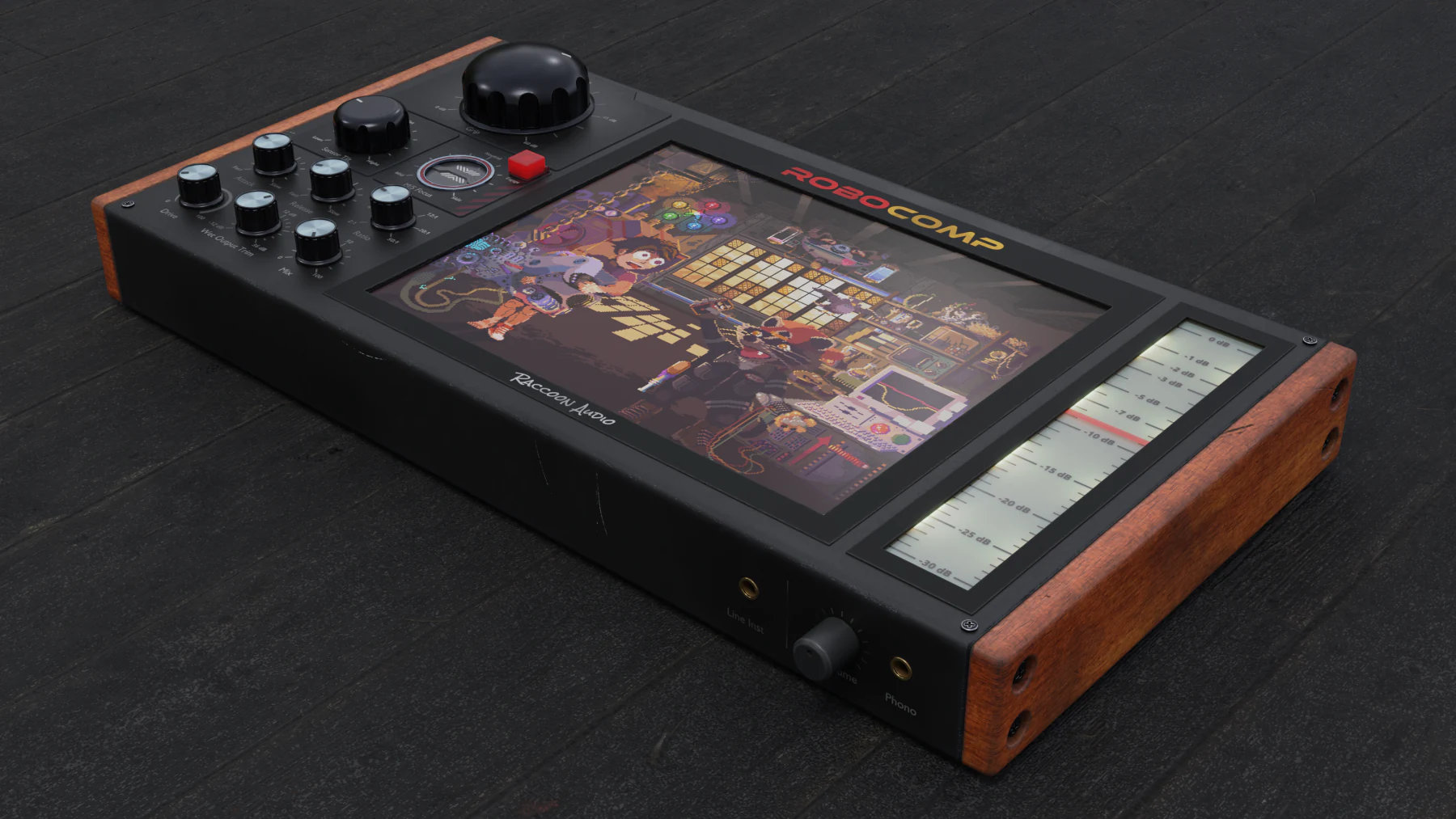
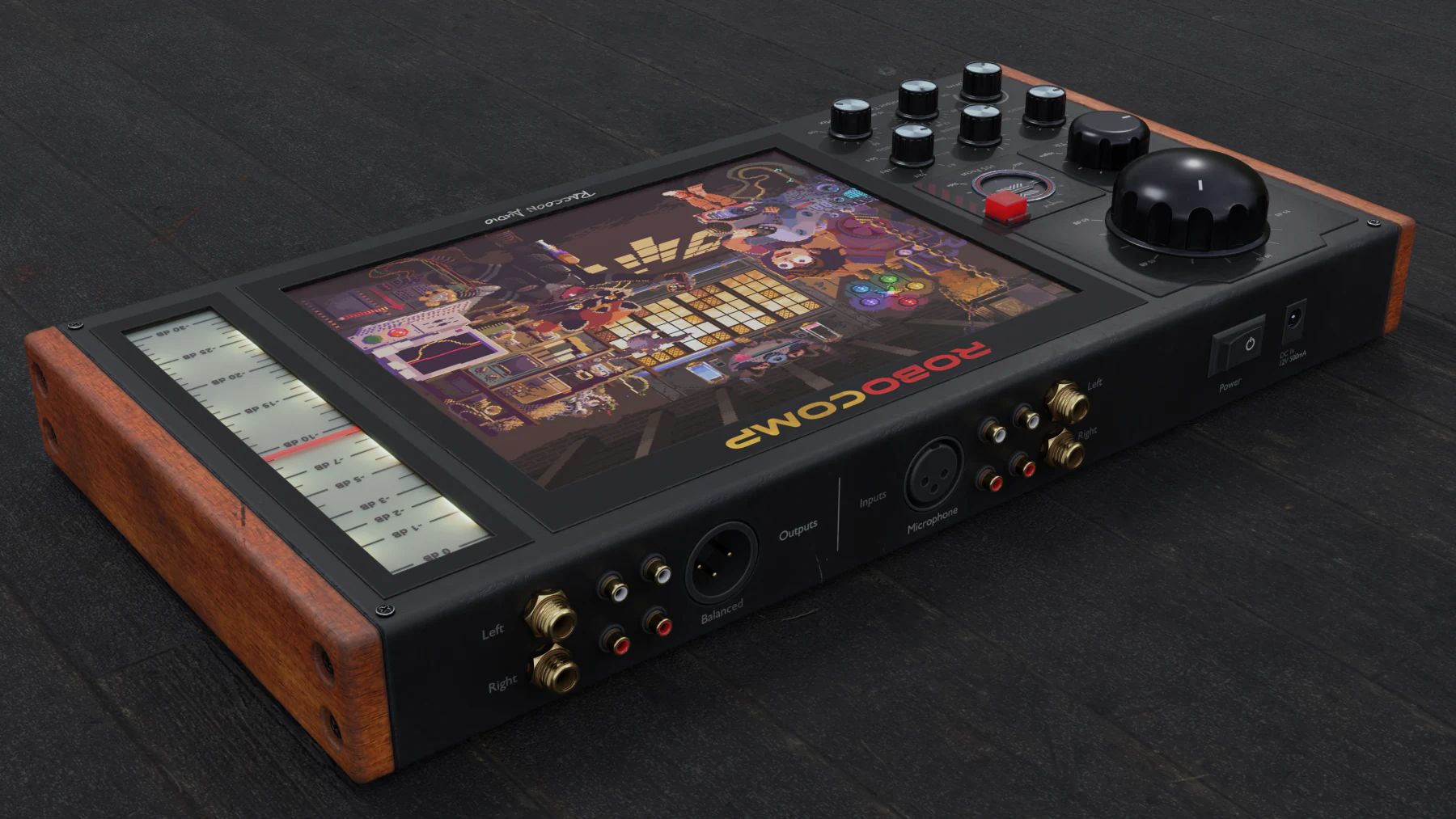
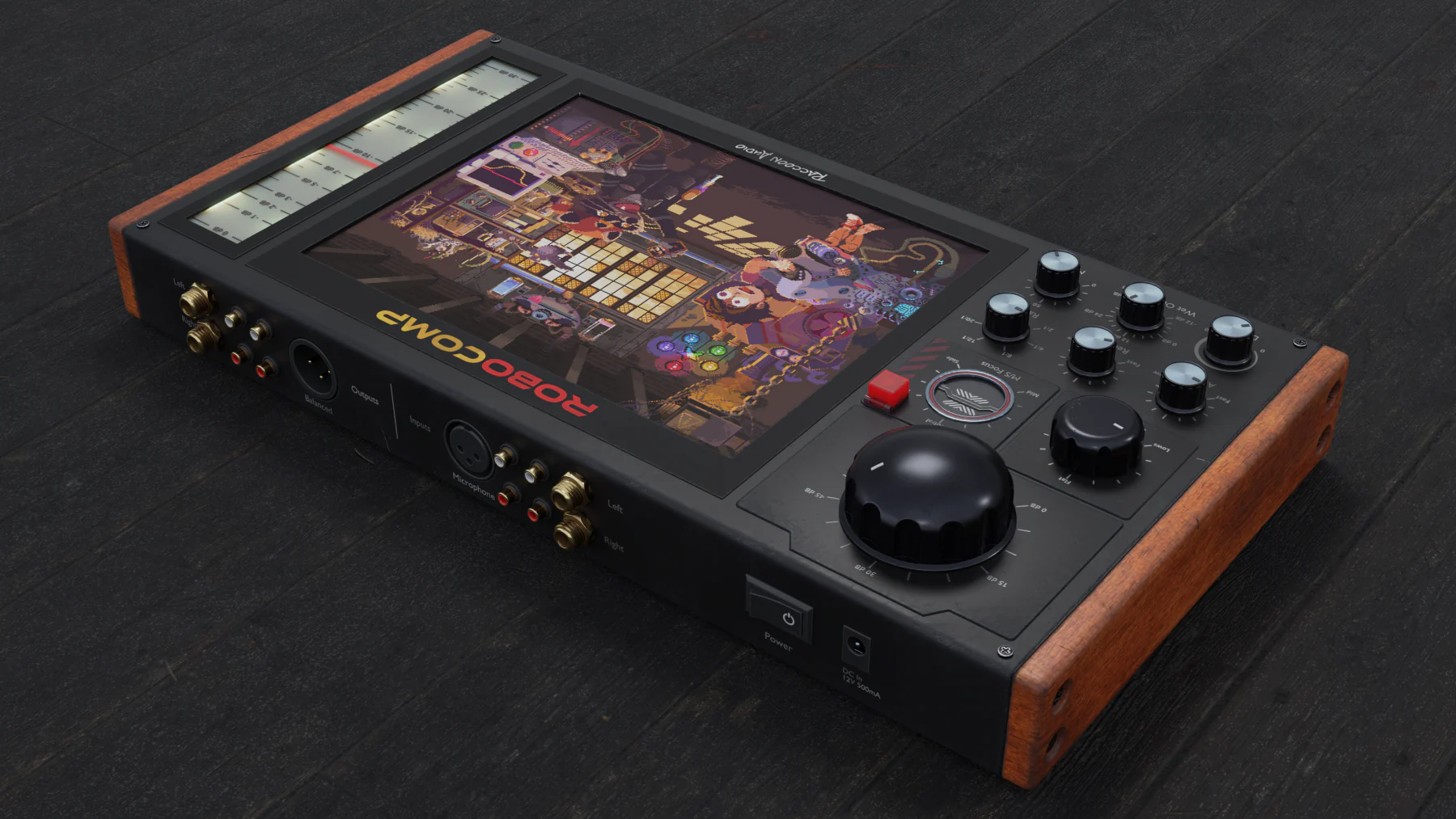
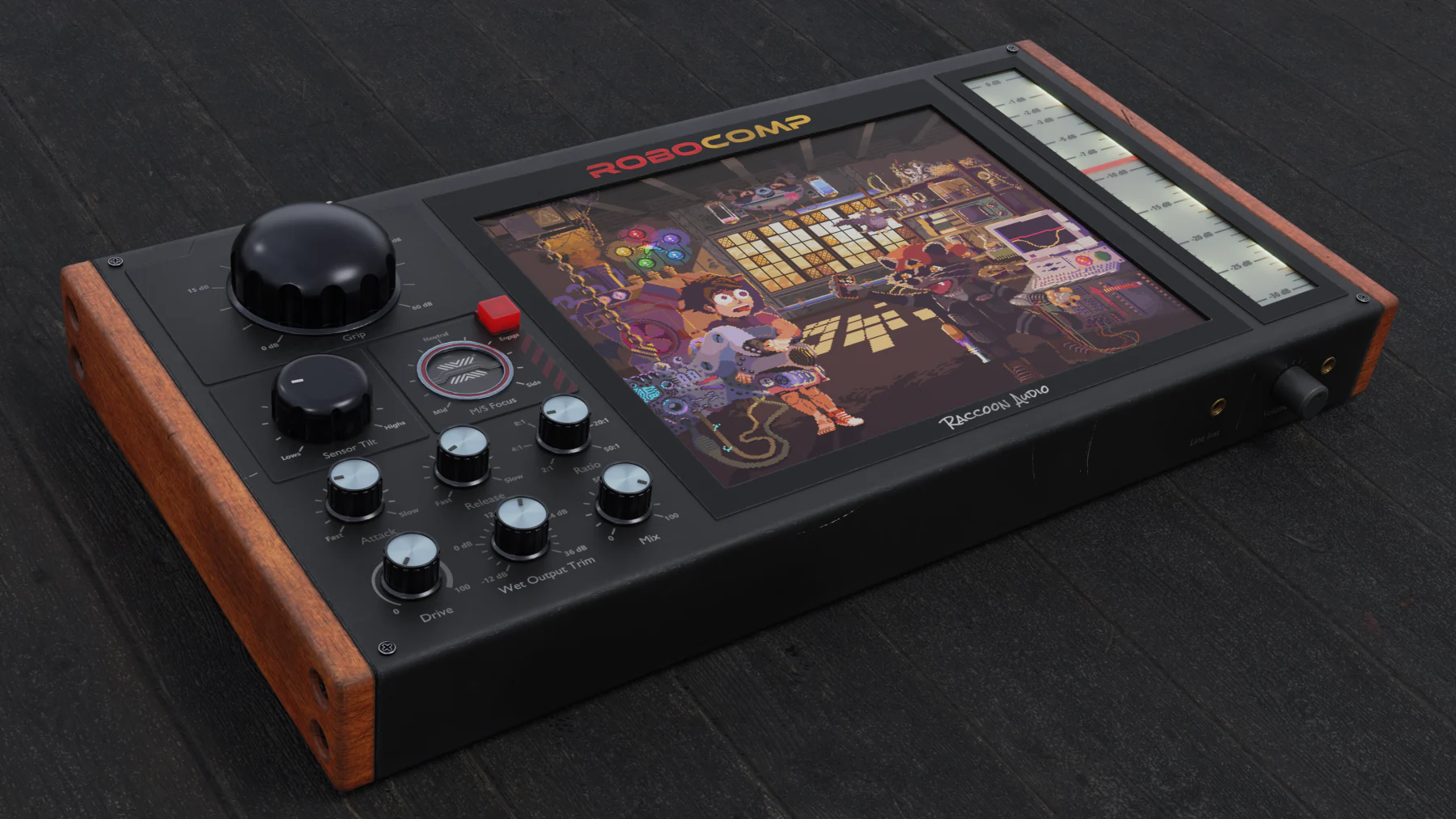
RoboComp

Compression with robotic precision.

Audio samples

Audio samples coming soon.

Drums

Bass

Mix Bus

Interactive control demo

Dial in RoboComp.

Interactive control scaffold in place. We can wire the real RoboComp demo audio next.

0%
No-risk refund

Guarantee

30-day guarantee.

Try RoboComp for 30 days. If it does not earn a place in your session, we will refund it.

Key features

Fast compression control, ready for the next pass.

Feature visual slot

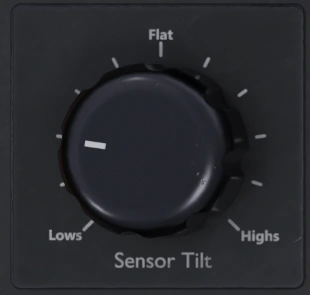
Sensor Tilt.

Lean the detector bright or dark.

Placeholder feature slot for RoboComp's detector shaping control and how it changes the compressor's response.

  • Feature copy placeholder.
  • Visual slot ready for a close-up screenshot.
  • Can be revised once the control is final.
Feature visual slot

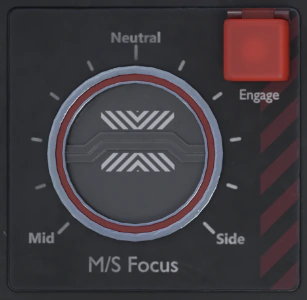
Mid/Side Focus.

Aim compression toward the middle or the edges.

Placeholder feature slot for RoboComp's mid/side shaping and scene-linked UI behaviour.

  • Feature copy placeholder.
  • Visual slot ready for a control screenshot.
  • Good candidate for side-by-side UI imagery later.
Feature visual slot

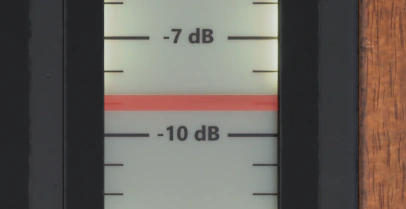
Metering and fast readback.

See the move, then trust your ears.

Placeholder feature slot for RoboComp metering, feedback visuals, and final product positioning.

  • Feature copy placeholder.
  • Visual slot ready for metering artwork.
  • Can evolve once the final UI is locked.

RoboComp

Compression with robotic precision.

  • Fast, focused compression workflow.
  • 30-day, no-questions money-back guarantee.
  • Placeholder scaffold ready for final RoboComp copy.

System Requirements

Mac

  • Formats: AU, VST3, AAX
  • OS: macOS 10.13 (High Sierra) or newer
  • CPU: Intel Dual-Core 2.0 GHz+ or Apple Silicon (M-series)
  • RAM: 8 GB (16 GB recommended)

Windows

  • Formats: VST3, AAX
  • OS: Windows 10 or newer
  • CPU: 2.0 GHz+ Intel/AMD
  • RAM: 8 GB (16 GB recommended)
Scroll to Top