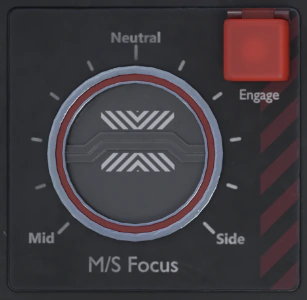
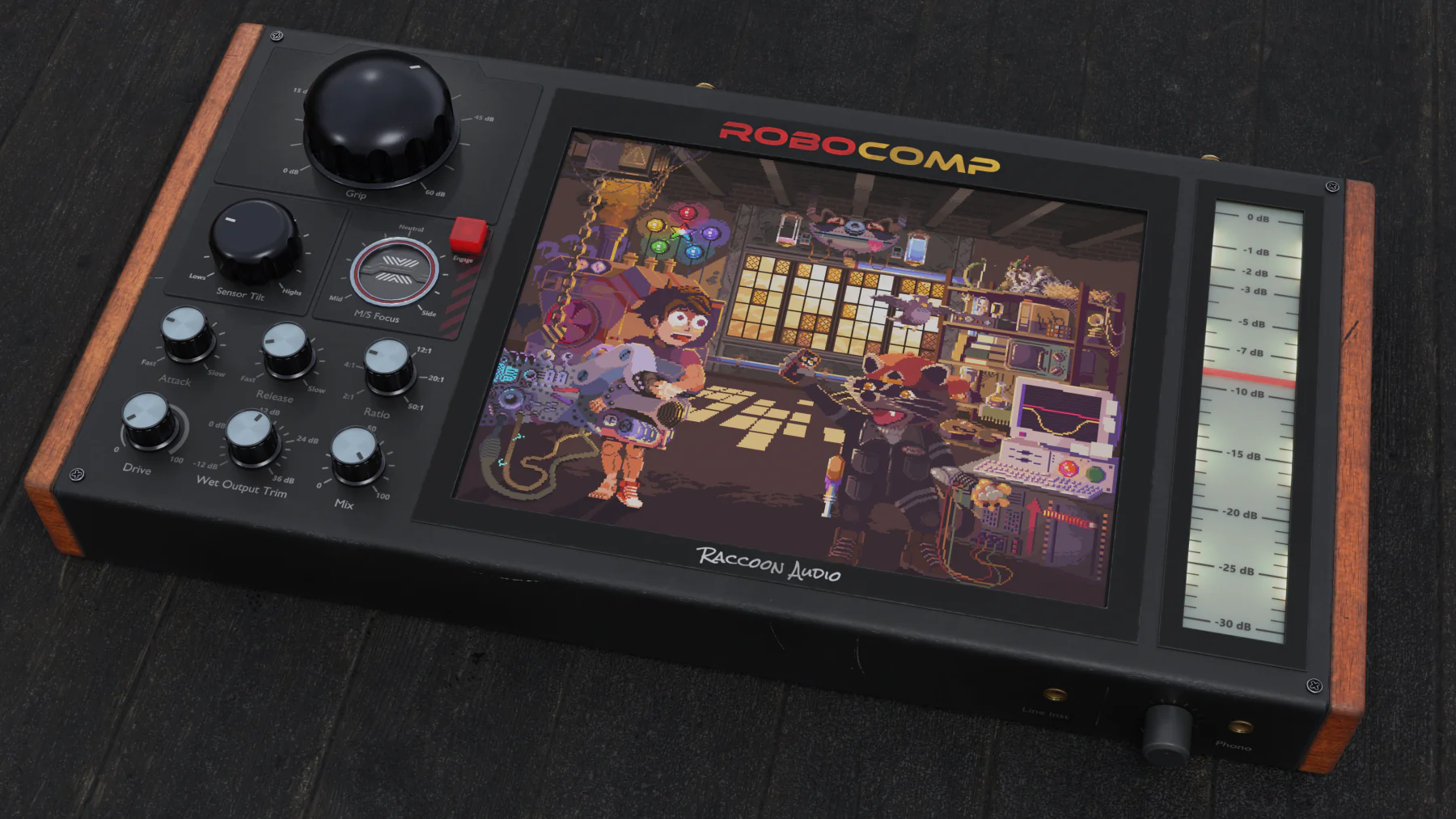
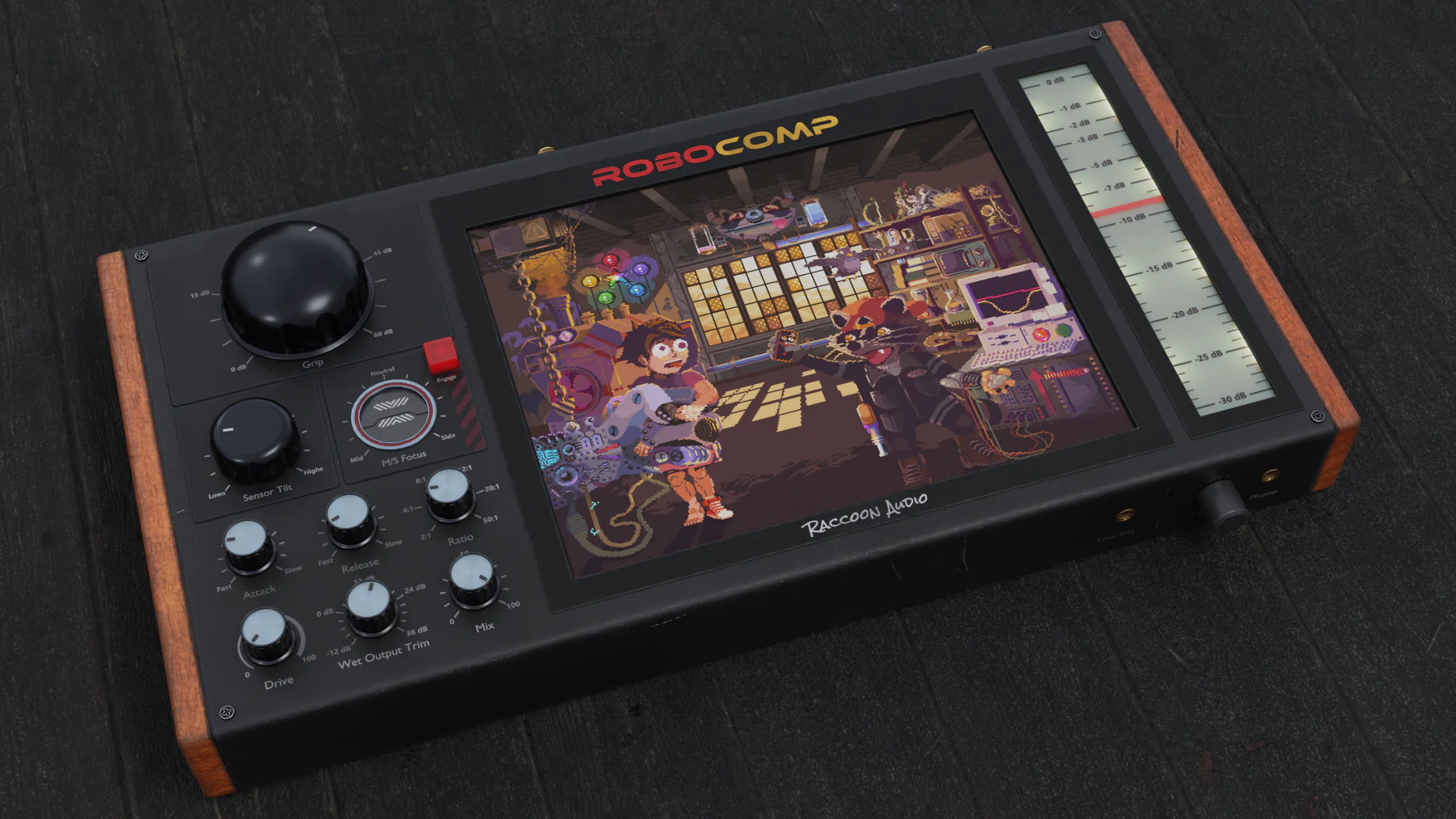
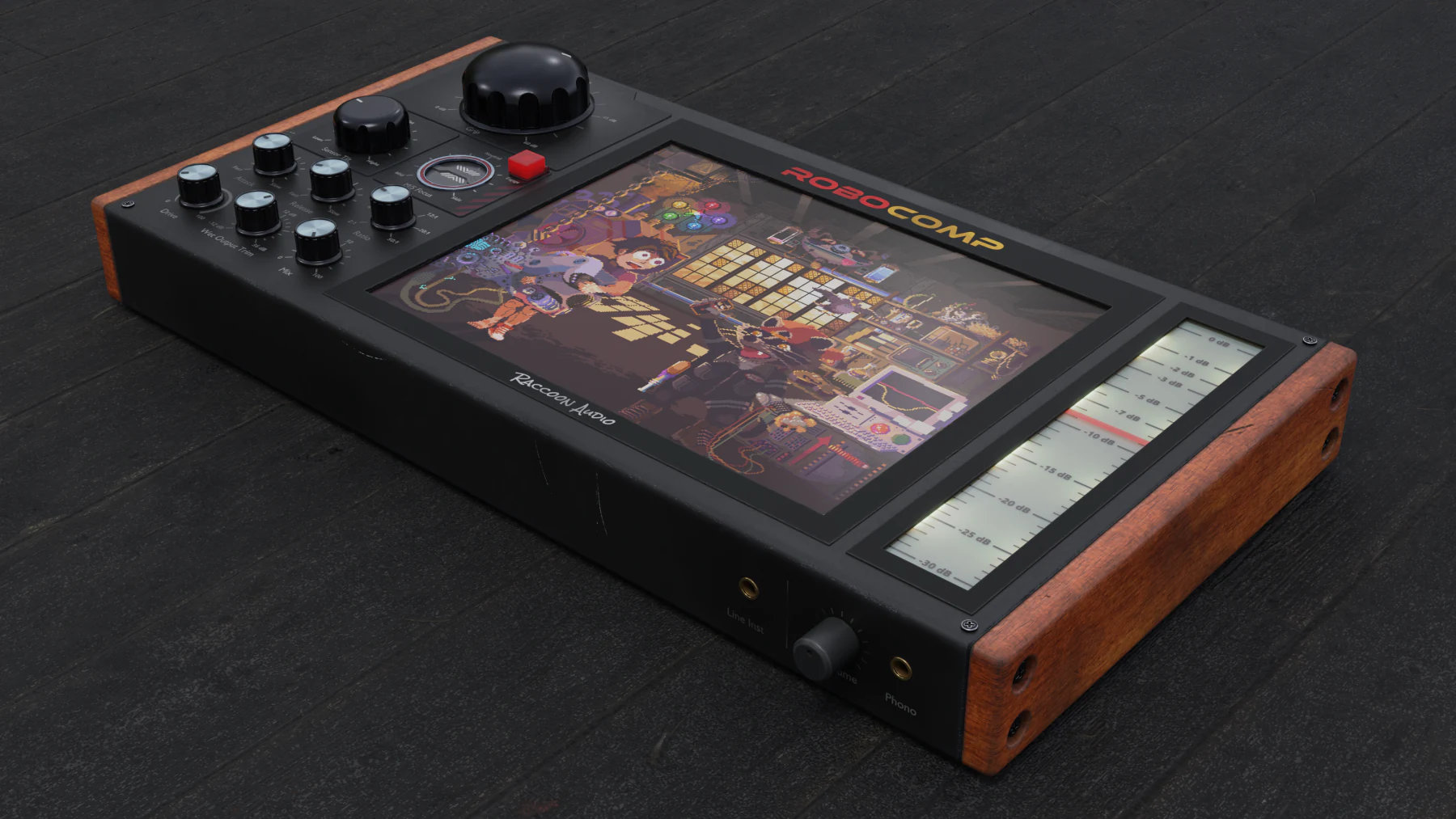
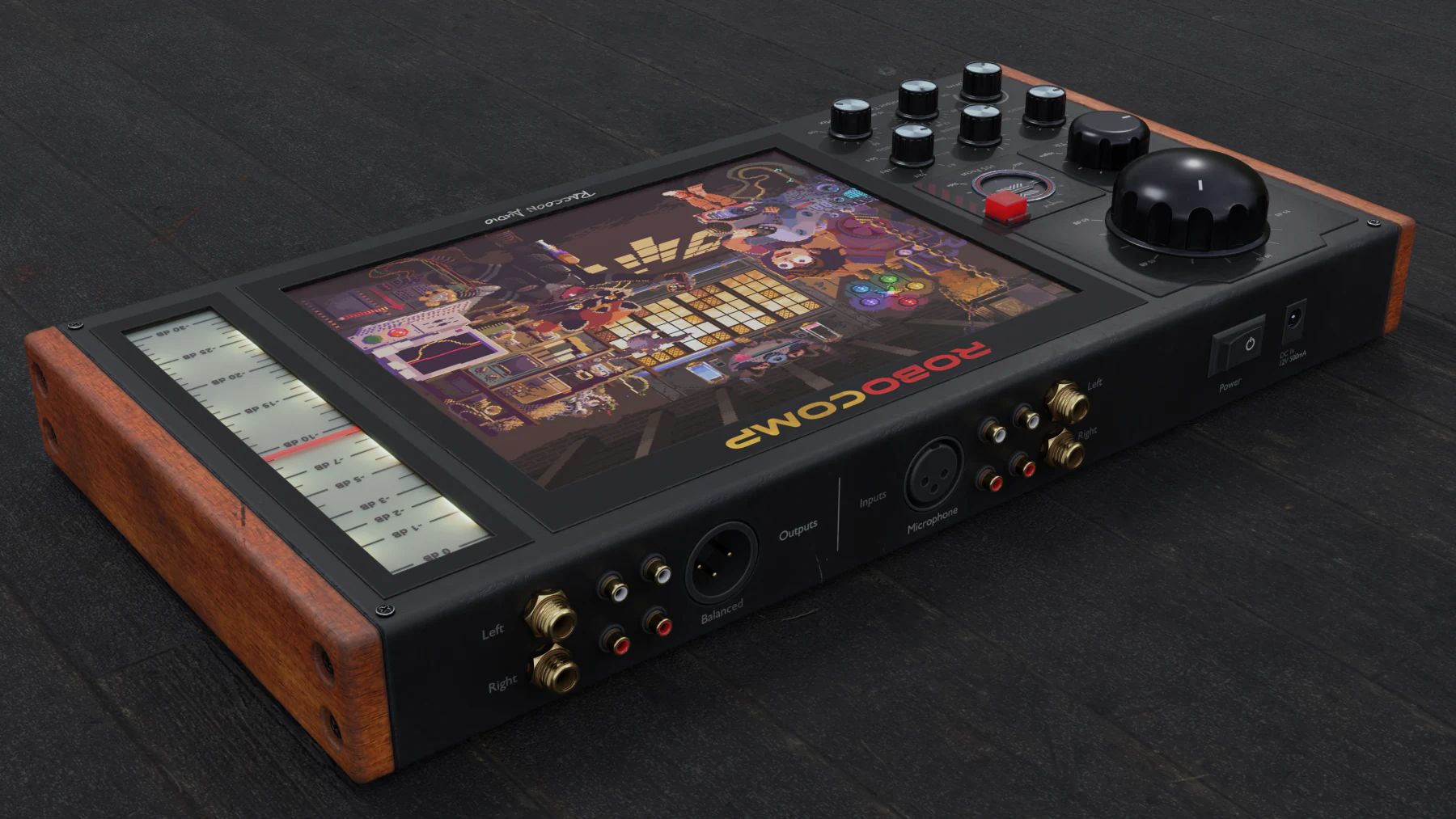
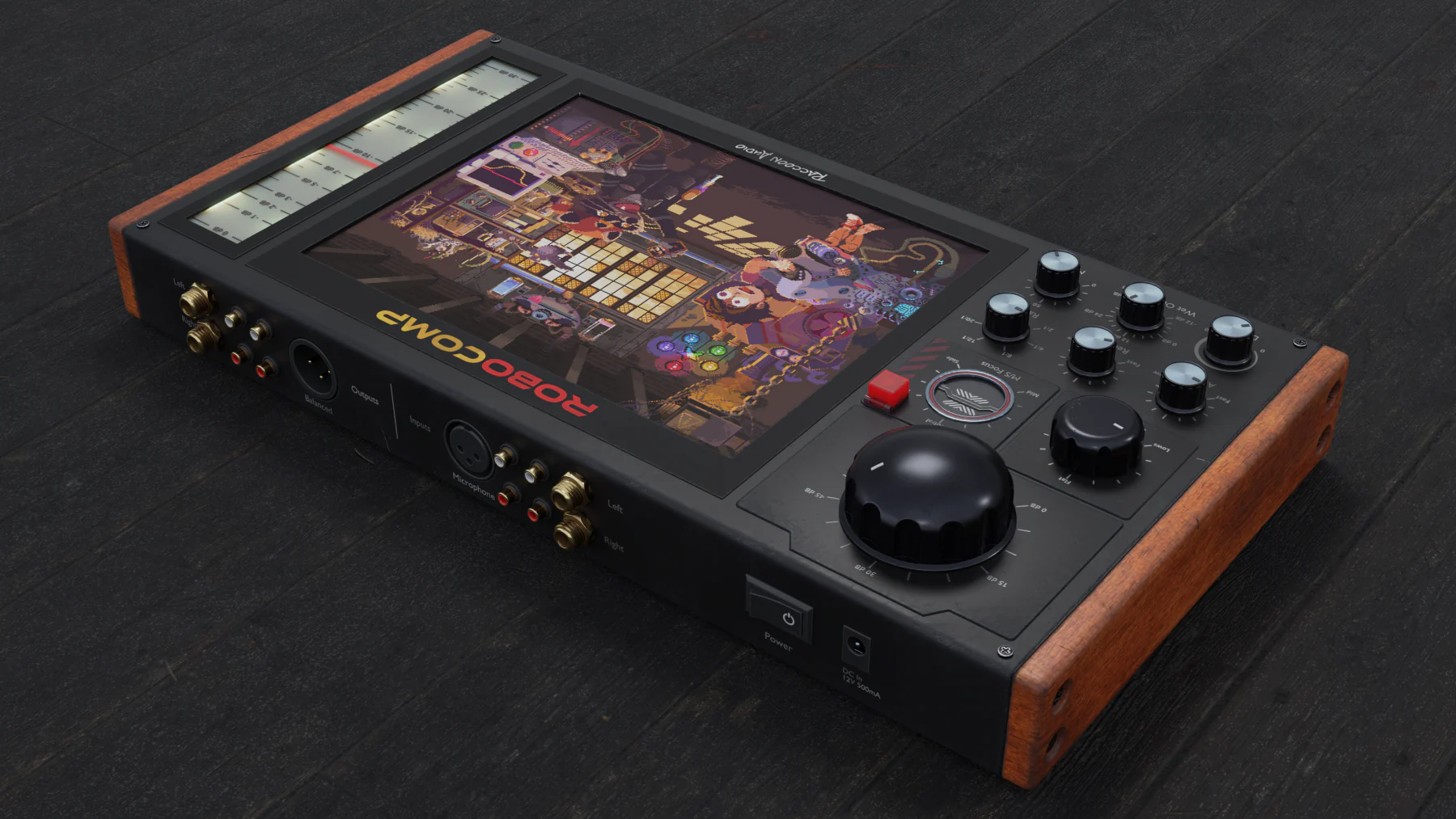
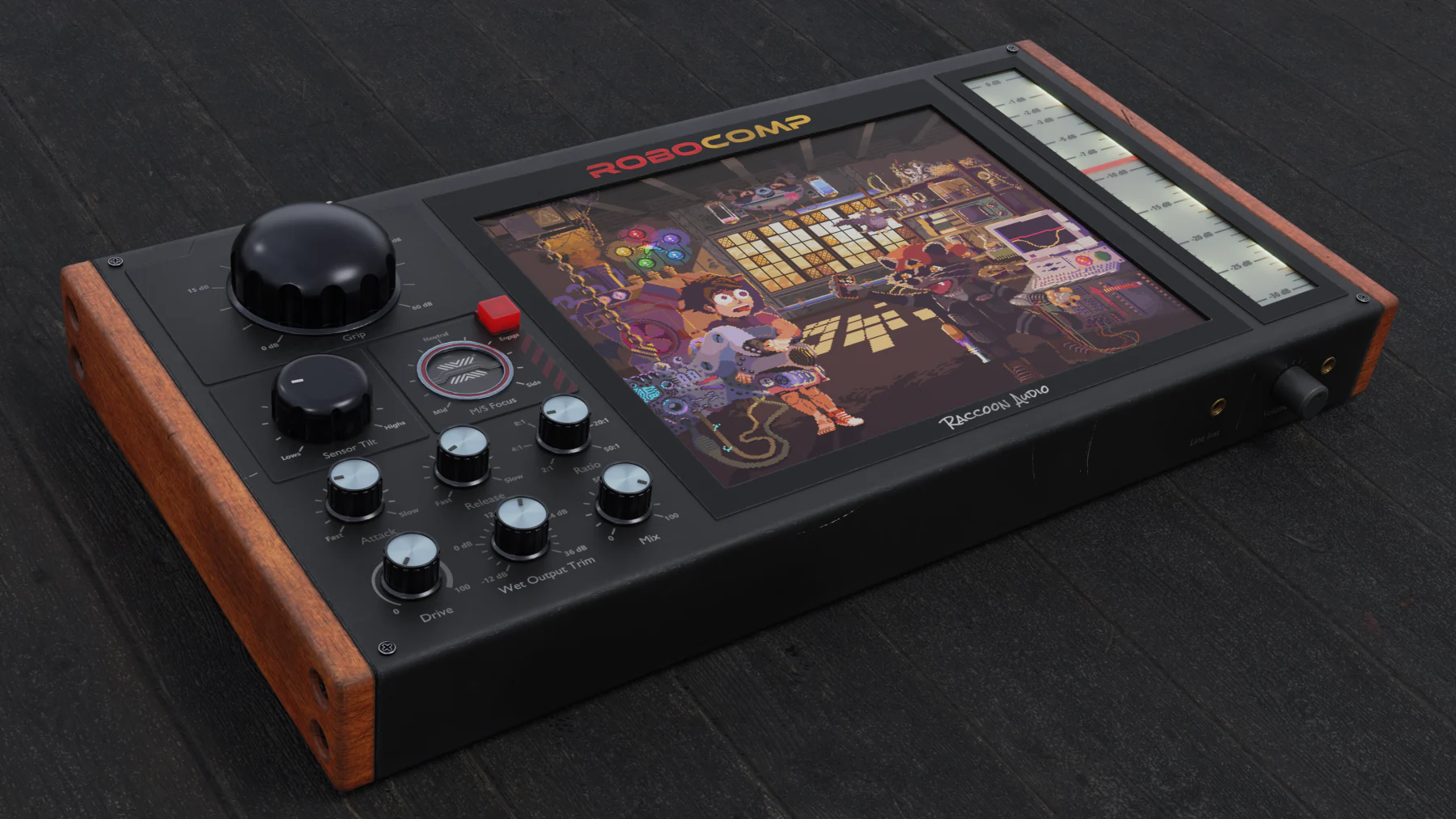
What I love most about RoboComp is the M/S focus. You can put it on a stereo drum track and lean the dial towards the sides. Instantly you’re getting a punchy centre image and the sides absolutely explode through the speakers.

Beauty shots
Beyond leveling. Into stereo color.
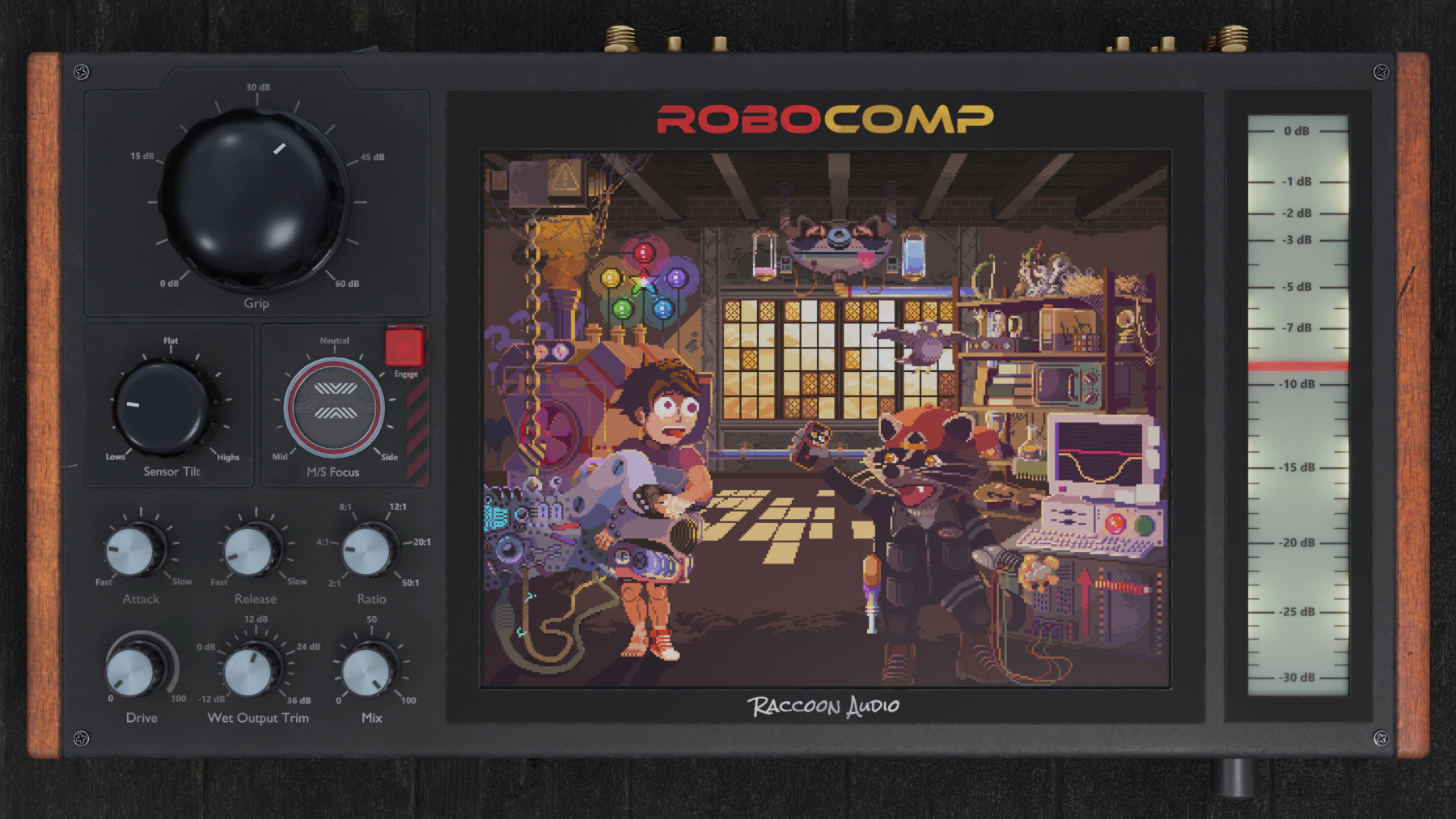
Built like lost late-’90s outboard gear, RoboComp steers stereo dynamics and shapes what the detector hears.
Shape frequency and stereo information in new, creative ways.
Explore M/S Focus and Sensor Tilt as two direct ways to steer RoboComp’s dynamic color.
Detector bias
Sensor Tilt
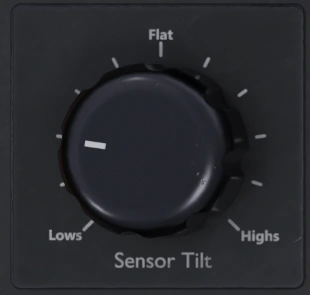
Shift what the detector listens to, from low-end weight to high-frequency detail.
Even detector
Center to sides
M/S Focus
Steer the response between the centre and sides of a stereo source.
Side focus
RACCOON GARAGE GUARANTEE
Put it under pressure for 30 days.
Use RoboComp in real sessions. If it doesn’t earn its place, get a full refund from your account in a few clicks—no questions asked.
- 30-day test drive
- Full refund
- Self-serve, no questions asked
Give RoboComp 30 days in your sessions. If it doesn’t earn its place, get a full refund and walk away unsqueezed.
Key features
Classic compression feel, with modern control.
Aim the squeeze at the center or the sides.
Mid/side bias made simple.
Use the mid/side control to compress more of the center or more of the sides of a stereo source. It is a fast way to shape width, focus, and movement.
- Compress the middle more to lock in vocals, bass, and kick.
- Compress the sides more to control width and edge without choking the core.
- Works great on buses, synths, loops, and full mixes.
Tilt the grip bright or dark.
Bias the detector by frequency.
RoboComp lets you lean the compressor toward lower or higher frequencies, so the signal grabs where you want instead of reacting the same way every time.
- Push left for more low-end pull, or right for more high-end bite.
- Useful when the source feels too boomy, too sharp, or too jumpy.
- Get a smarter response without opening another EQ plugin.
Fast to read. Fast to use.
Inspired by classic hardware, built for now.
RoboComp takes the easy workflow that made classic compressors feel great, then adds a clearer interface and smarter tone-shaping options for modern sessions.
- Inspired by the fast, musical feel of the LA-2A and 1176.
- Clear layout helps you set compression quickly and trust what you hear.
- Made for people who want results fast, not menu diving.
Featured videos
See RoboComp in action.
Practical examples for carving space, shaping movement, and dialing in compression character.
Clear low-frequency center energy from a synth with the kick sidechain, without ducking the whole instrument.
Tuck the high-frequency mid field of a synth so a lead vocal can sit forward.
Explore a range of RoboComp compression sounds on bass guitar.
Stereo Color Shaper
- Frequency-aware compression that lets you bias the response toward darker weight or brighter detail.
- Stereo-aware control that lets you compress more from the center, the sides, or anywhere between.
- Classic compressor movement, modern directional control, and a 30-day money-back guarantee.
System Requirements
Mac
- Formats: AU, VST3, AAX
- OS: macOS 10.13 (High Sierra) or newer
- CPU: Intel Dual-Core 2.0 GHz+ or Apple Silicon (M-series)
- RAM: 8 GB (16 GB recommended)
Windows
- Formats: VST3, AAX
- OS: Windows 10 or newer
- CPU: 2.0 GHz+ Intel/AMD
- RAM: 8 GB (16 GB recommended)